Make.com Review (2026): We Built & Ran a Real Lead Automation
A hands-on review of Make.com — we built a live lead-intake automation, fired a real lead through it, and watched Make process it. Plus how it compares to Zapier and n8n.
Some links on this page are affiliate links. If you buy through them we may earn a commission at no extra cost to you. We only recommend tools after a thorough, independent review — and our verdict is never for sale.
👍 Pros
- Visual builder is genuinely the best-looking and easiest to follow
- 3,000+ app integrations, plus connect any API
- Free tier is usable for real workflows
- Built-in AI agents and MCP support in 2026
👎 Cons
- Credit/operation pricing gets confusing at scale
- Complex scenarios can get slow to debug
- Error handling has a learning curve
Our test case
For automation platforms we judge against one real use-case: lead response — a form submission → AI qualification → logged to a sheet → a personalized reply.
Hands-on test
We don’t just read the marketing pages — we open the product. We created a real free Make account, built a working lead-intake automation, and fired a real lead through it. Here’s exactly what happened.
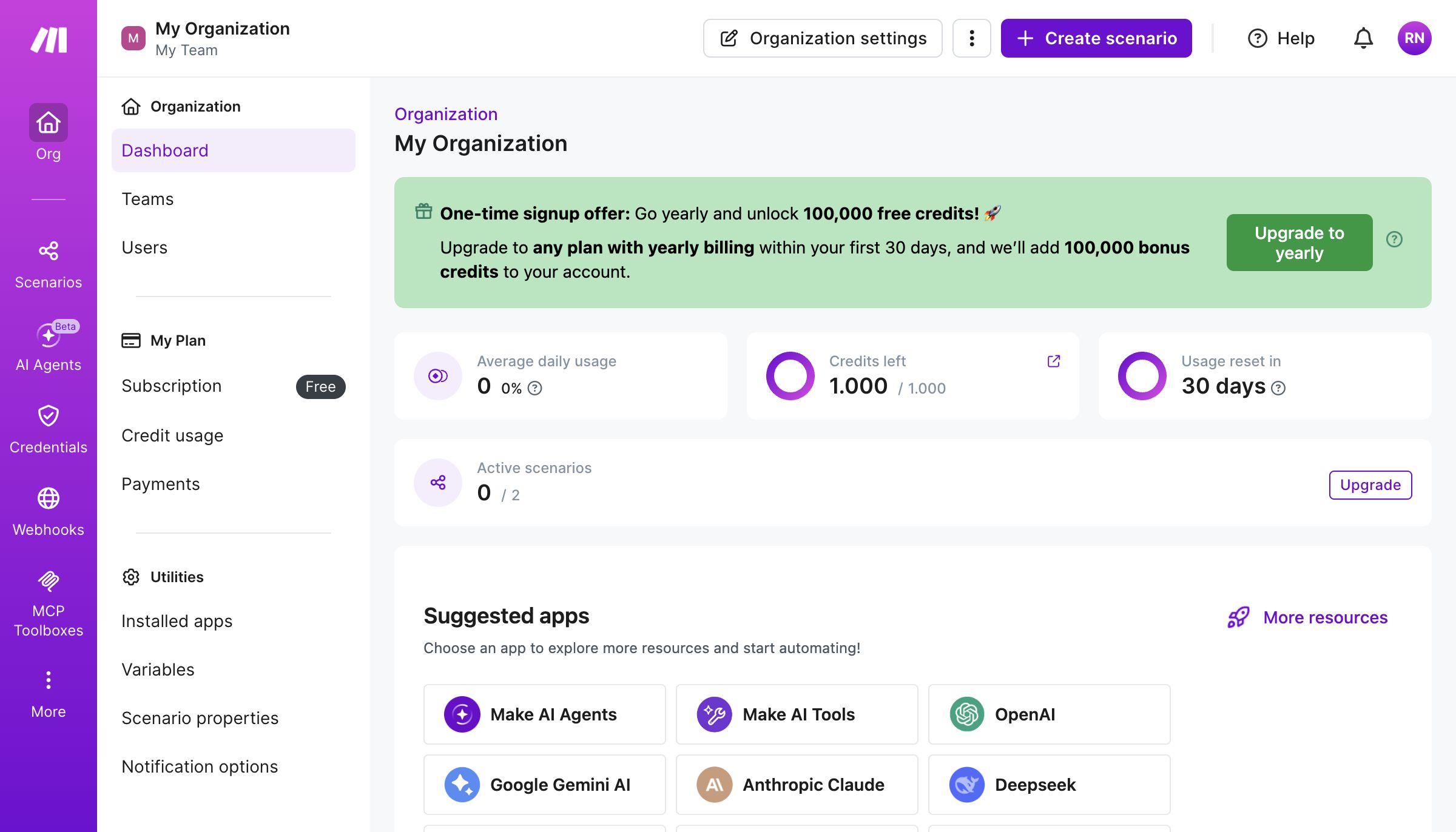
The free tier is honest about its limits. Signup needed no credit card. The dashboard lays the limits out plainly: 1,000 credits/month, 2 active scenarios, a 30-day reset — with an immediate “go yearly and unlock 100,000 credits” upsell. The AI push in 2026 is front-and-centre (Make AI Agents, OpenAI, Claude, Gemini all suggested on day one).
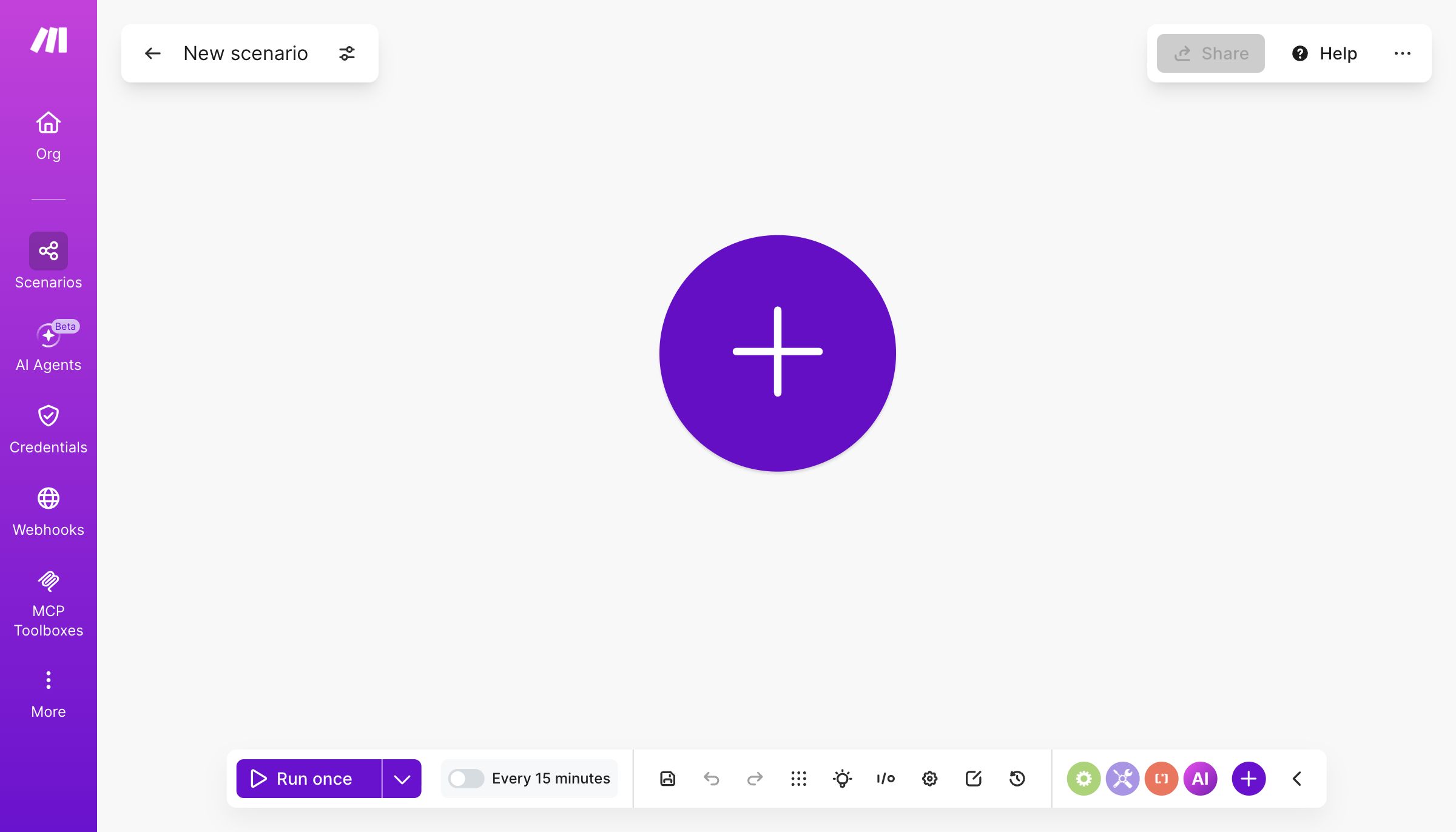
The builder lives up to its reputation. A new scenario opens to a clean canvas with a single ”+” to add your first module — no clutter, no manual to read first.
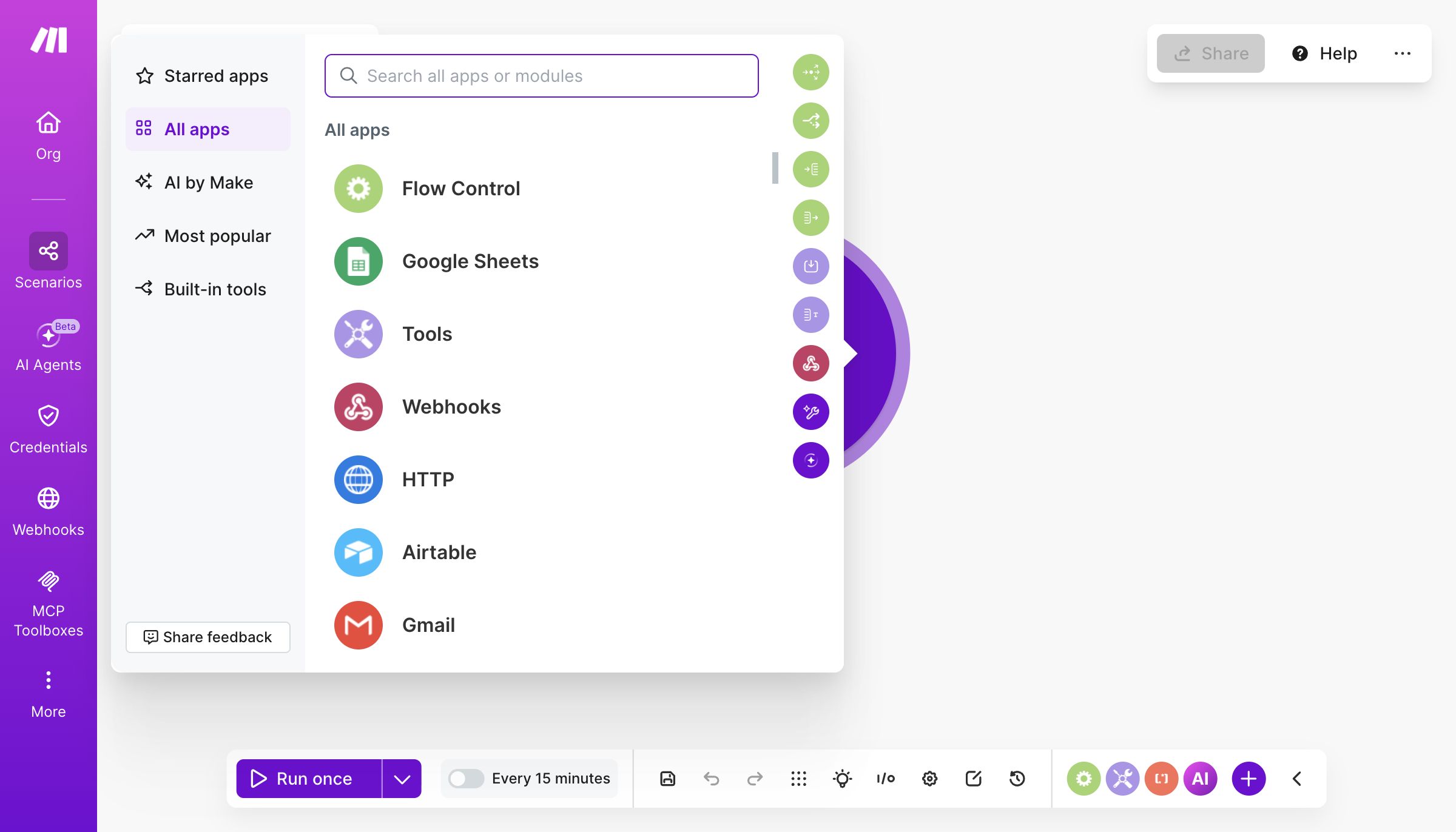
The app library is the real moat. Searching modules surfaces Flow Control, Google Sheets, Webhooks, HTTP, Airtable, Gmail and thousands more — categorised and searchable.
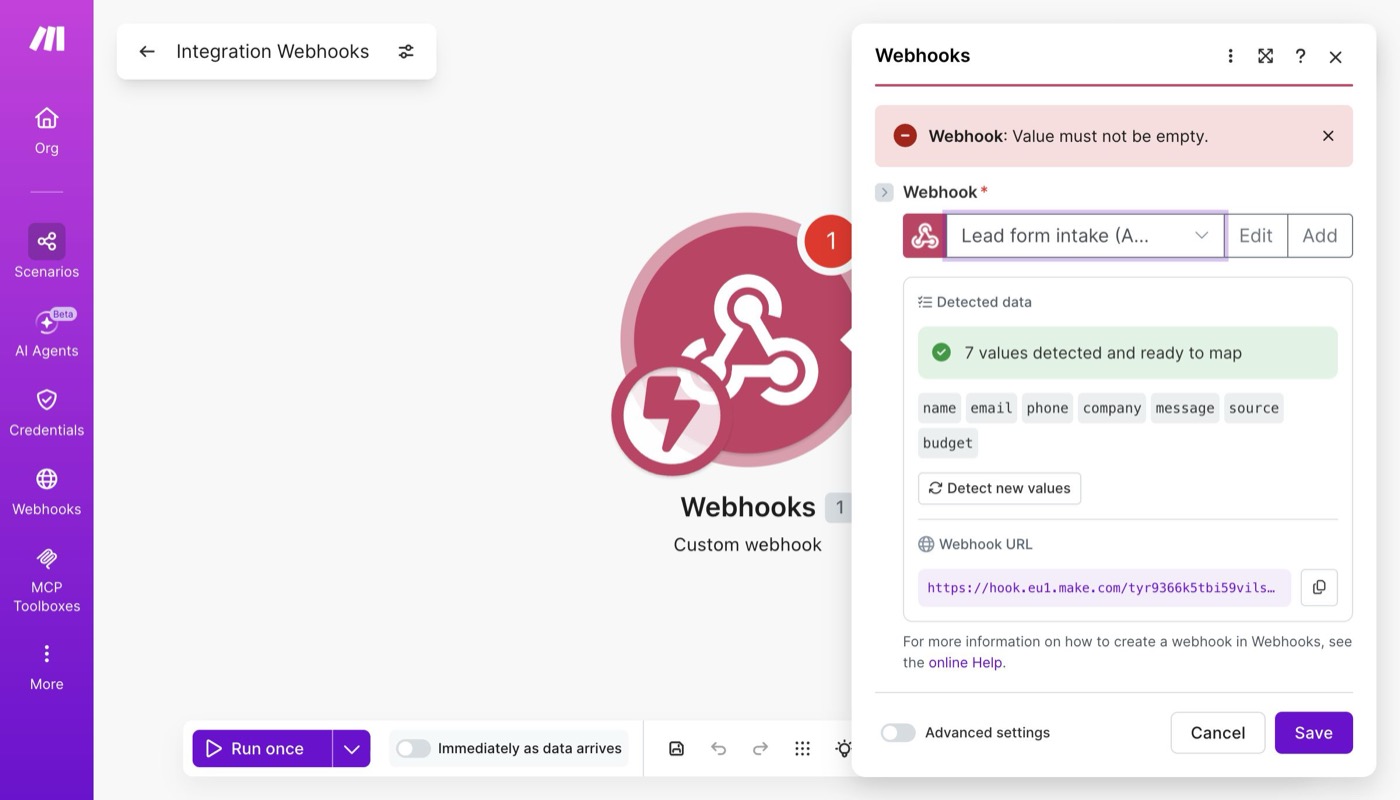
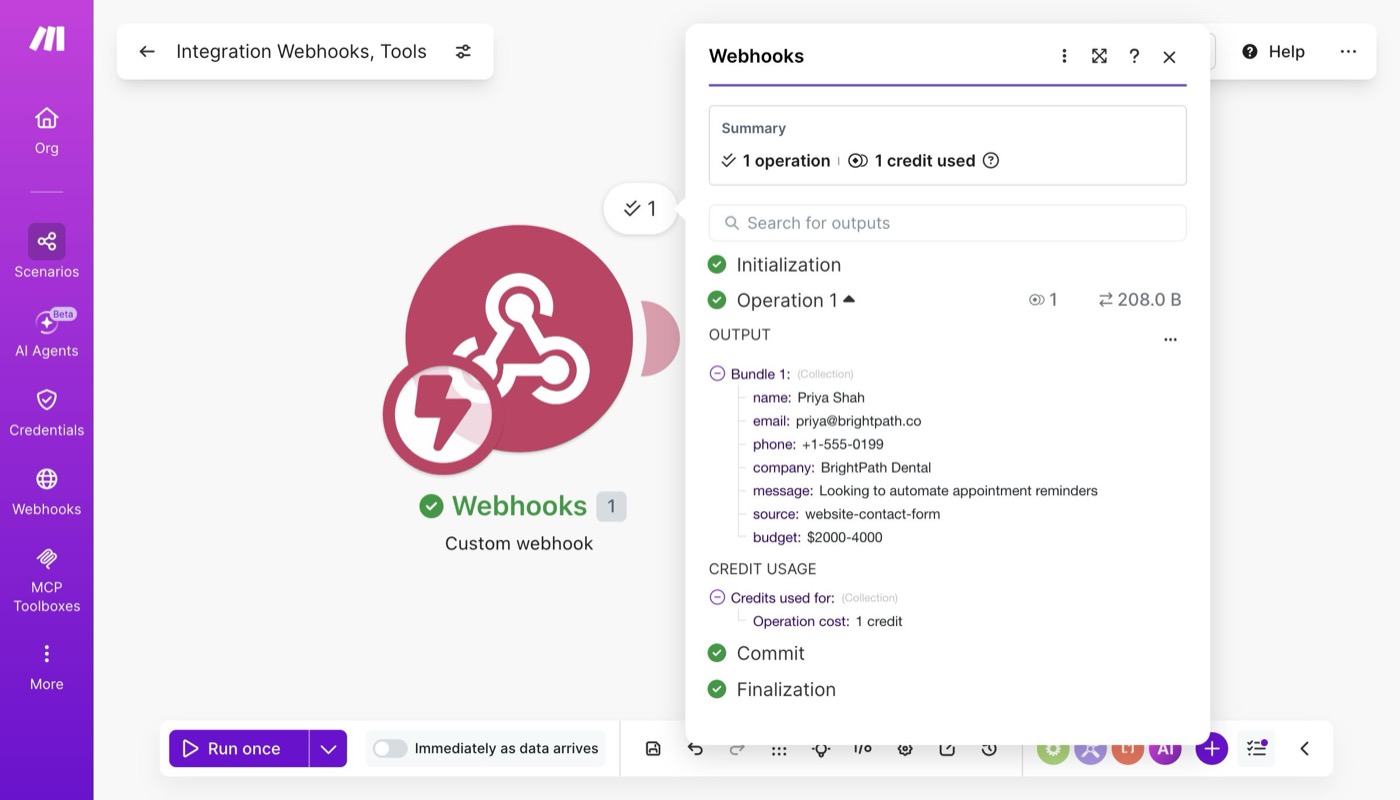
Step 1 — capture the lead. We added a Custom webhook trigger and generated a live endpoint, then sent a real test lead to it. Make instantly detected the structure — “7 values detected and ready to map” (name, email, phone, company, message, source, budget) — so every field was available to use downstream. This is the bit that makes Make click: it learns your data by example.
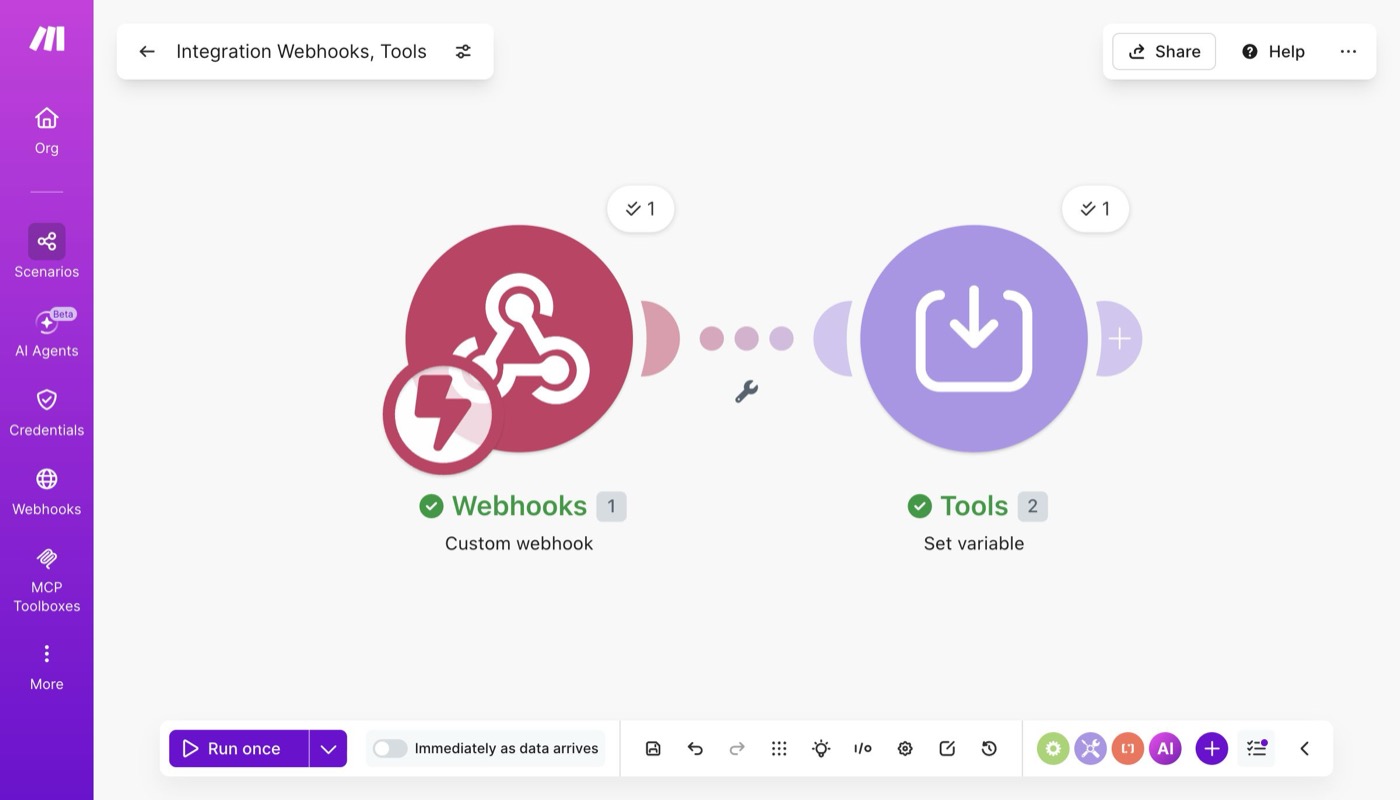
Step 2 — act on it. We added a second module (Tools → Set variable) to compose an auto-reply, connected it to the trigger, and saved. Two modules, wired together — a real, multi-step scenario.
Step 3 — run it for real. We hit Run once and fired an actual lead (a dental clinic asking about appointment-reminder automation) at the live webhook. Make executed the whole flow — both modules went green, 1 operation, 1 credit used.
Drilling into the run shows the real lead data flowing through, field by field, with the exact credit cost. No mock-ups — this is the actual execution log:
Setup & usability
Make’s drag-and-drop “Scenario” canvas is, in our hands-on look, genuinely the clearest visual builder in the category — each module shows its data inline, so you can see exactly what’s passing through, which makes debugging far easier than rivals.
Verdict
For most small businesses, Make is the best balance of power and approachability. If you’re highly technical and want self-hosting, see our n8n review. If you live inside one or two apps, Zapier may be simpler.
The AI Automation Starter Kit
The exact stack we use to automate real businesses — 12 tools, 5 copy-paste workflows, and our honest "skip these" list. Free PDF + templates.
No spam. Unsubscribe anytime. We send ~1 useful email a week.